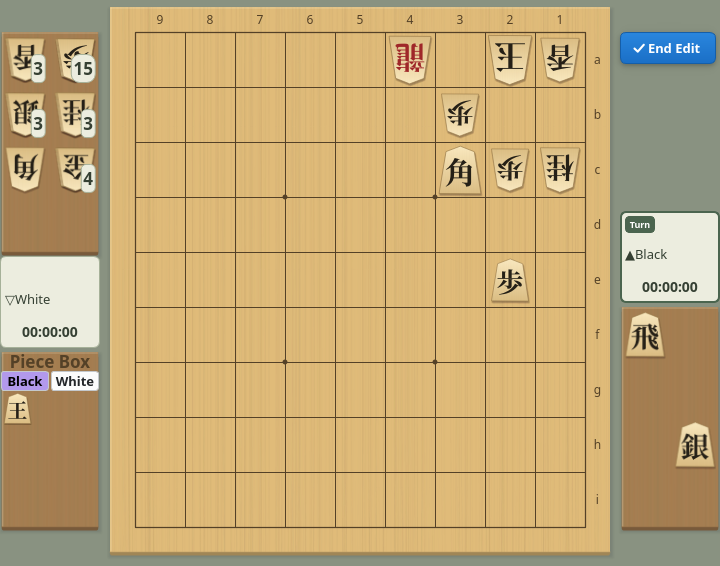
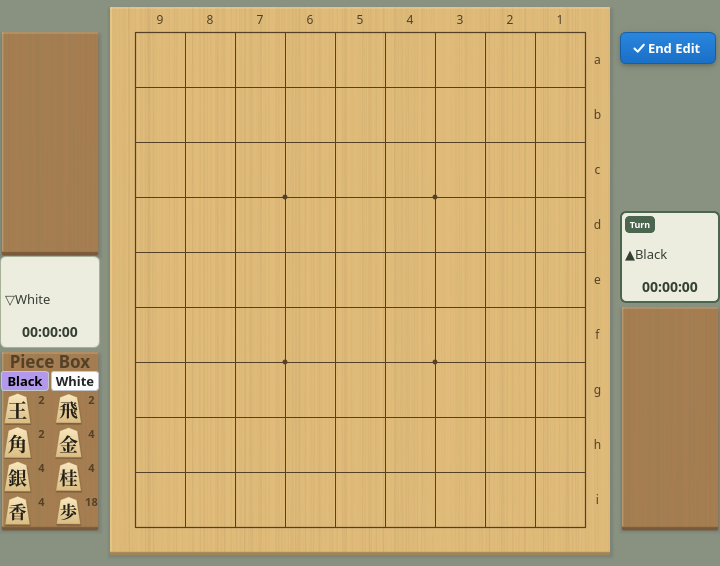
Editing the Board
Start from the displayed position and move or place pieces
Choose Edit → Start Position Edit. The displayed position becomes the starting point of the edit, and the game record is reduced to the “=== Starting Position ===” row (the evaluation graph is cleared too). If the game record has unsaved changes, you are first asked whether to save it.
While editing, the “✓ End Edit” button appears at the top right of the board and the piece box at the bottom left.
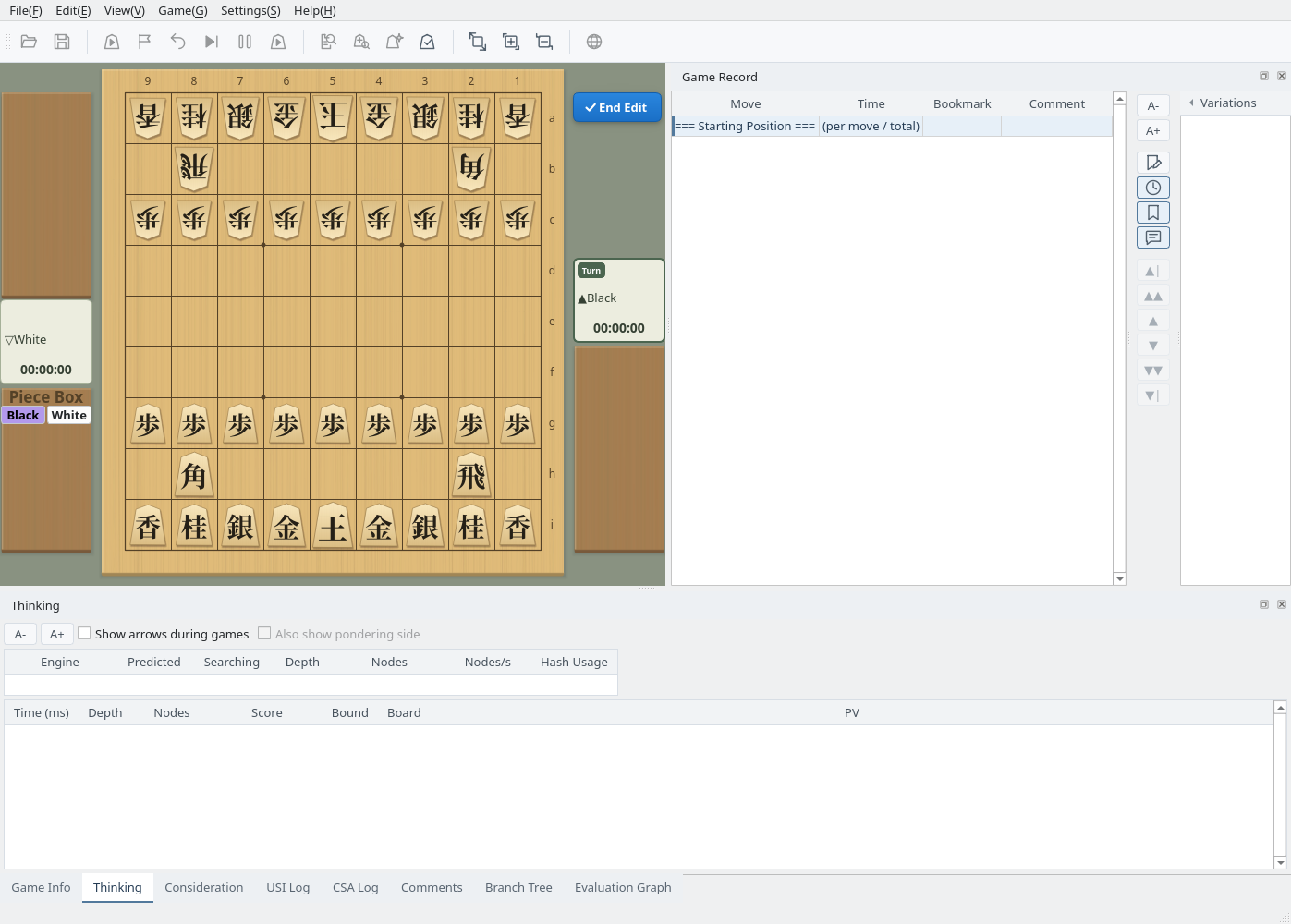
Editing: the End Edit button at the top right of the board and the piece box at the bottom left
Use the mouse as follows. A piece placed on the board or a piece stand belongs to the side of that place (placing it on the opponent’s stand makes it the opponent’s piece in hand).
- Left click (or drag): select a piece and click where to put it. You can move pieces on the board, from a stand to the board, from the board to a stand, from the piece box to the board or a stand, and back to the piece box
- Right click: change a piece on the board in the order Black → Black promoted → White → White promoted (gold and king only switch between Black and White). Pieces that could not stand on that rank or would make two pawns on a file are skipped
- Black / White in the piece box: choose which side the pieces taken from the box belong to. The choice is kept when the board is flipped and does not change the turn
- The piece box holds every piece that is not on the board or a stand, grouped by type; the number at the top right is how many are left
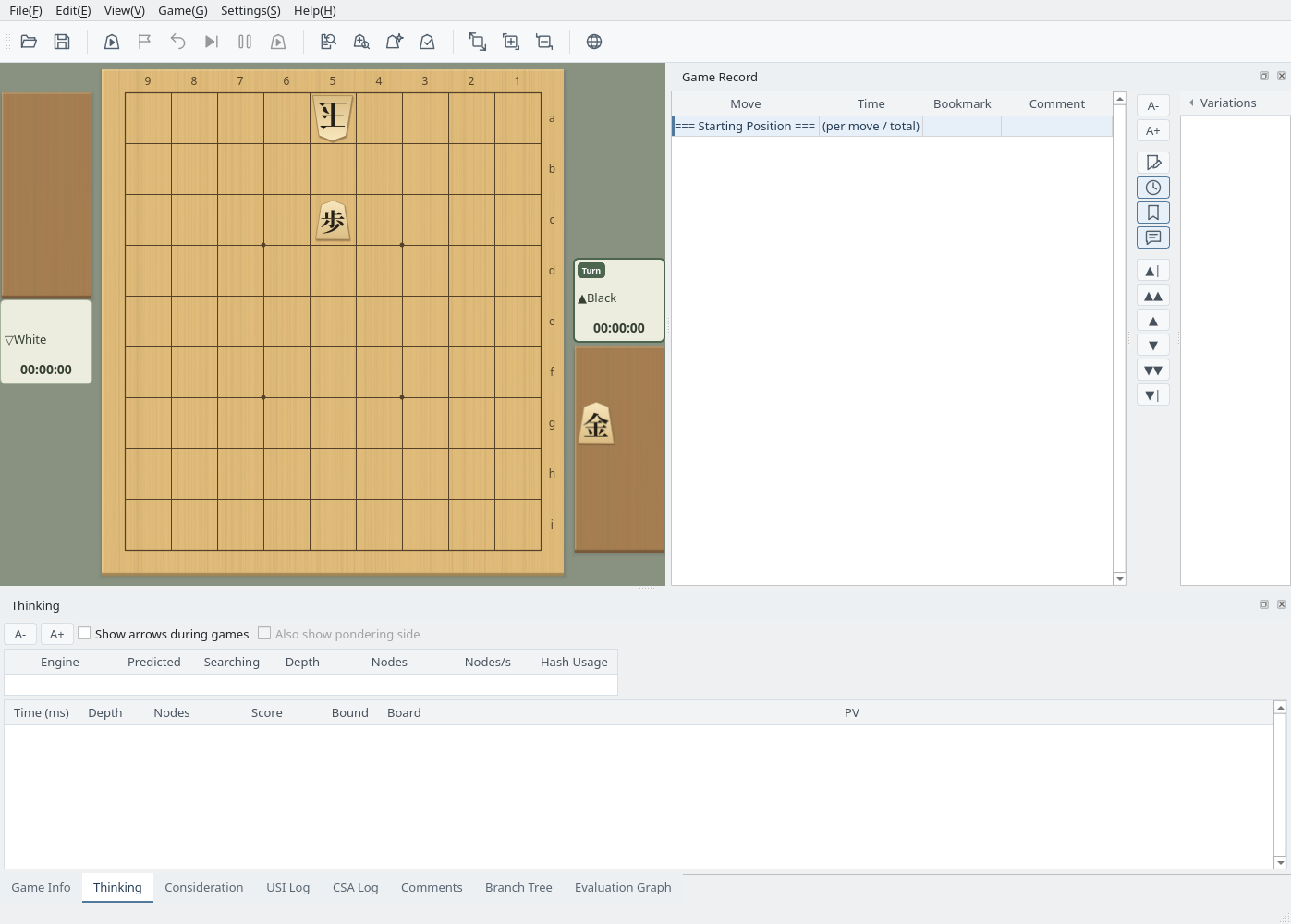
Clear the board with Move All Pieces to Piece Box, choose White in the piece box and place the king on 5a, switch to Black and place a pawn on 5c, then put a gold on Black’s stand: a mate-in-one with a gold drop is ready.
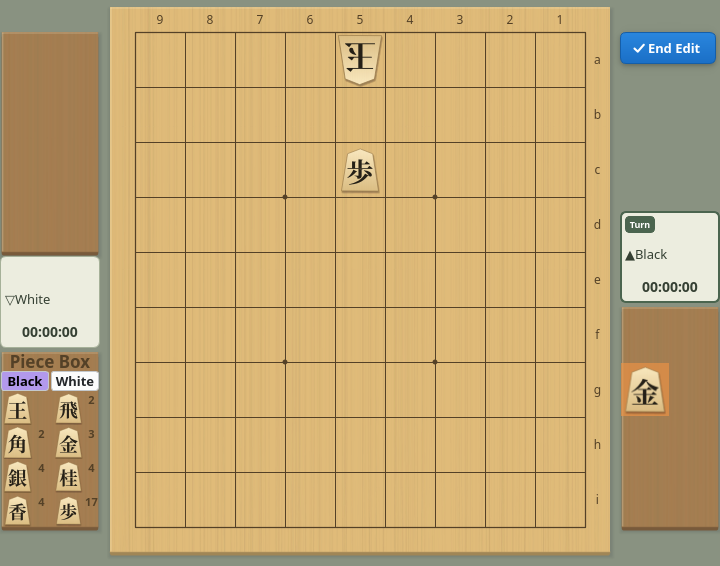
Built from the piece box: White king on 5a, Black pawn on 5c, a gold in Black’s hand