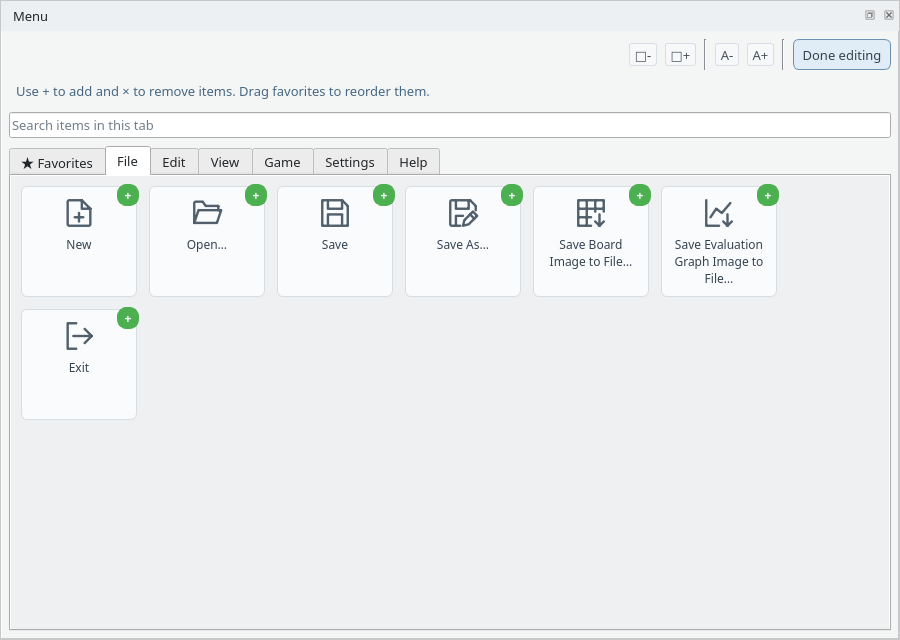
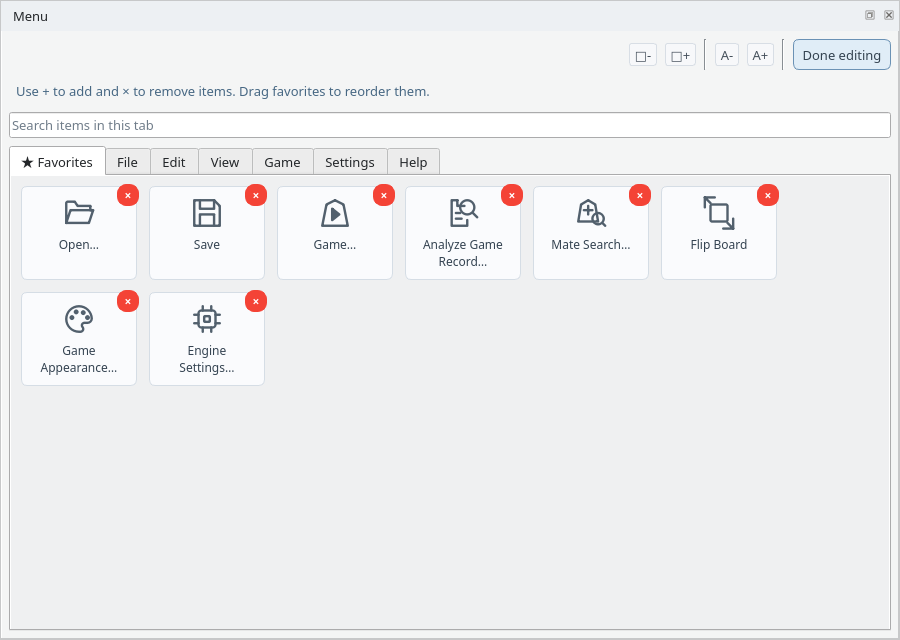
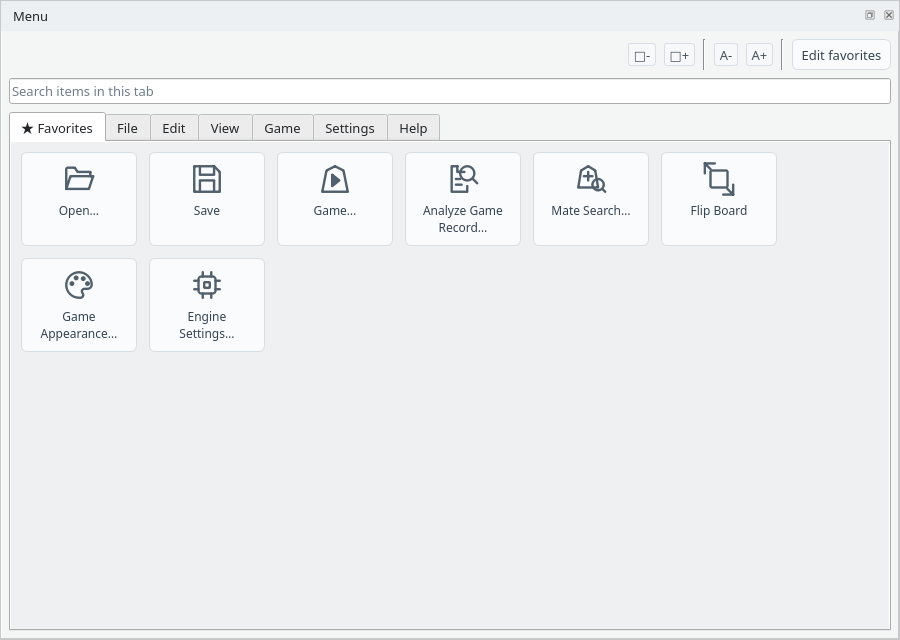
Show the Menu Panel
Open the menu dock from View in the menu bar
1
Show the Menu Dock
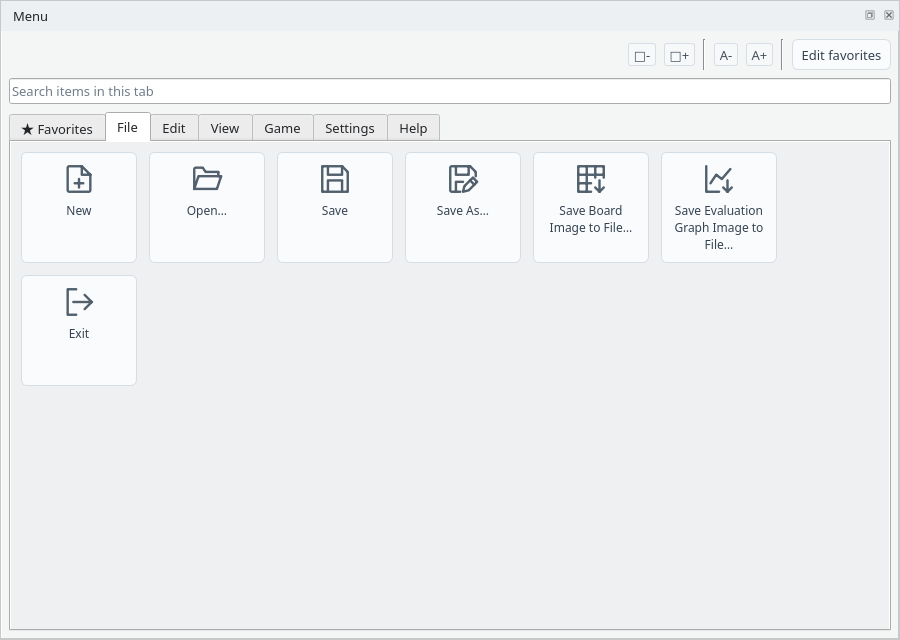
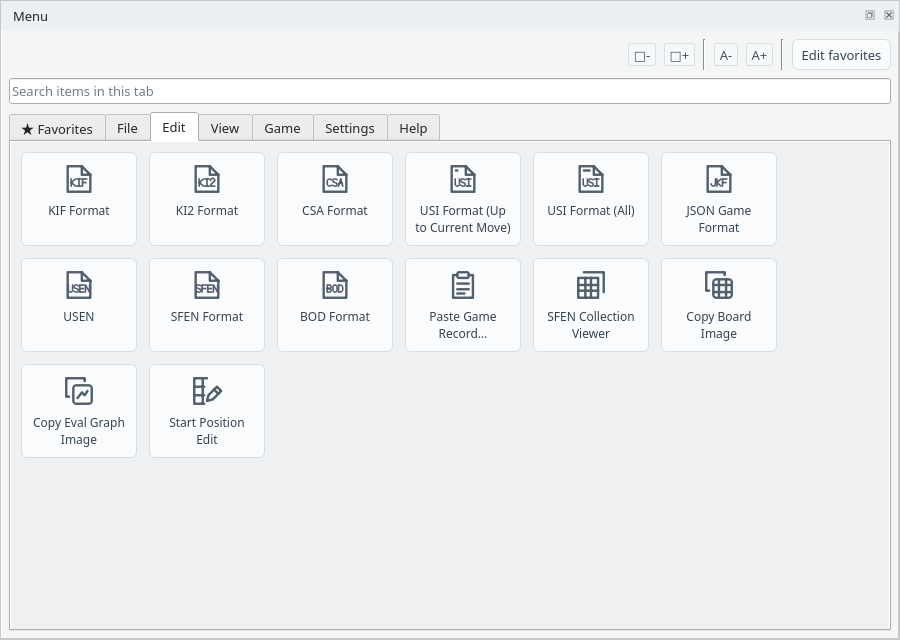
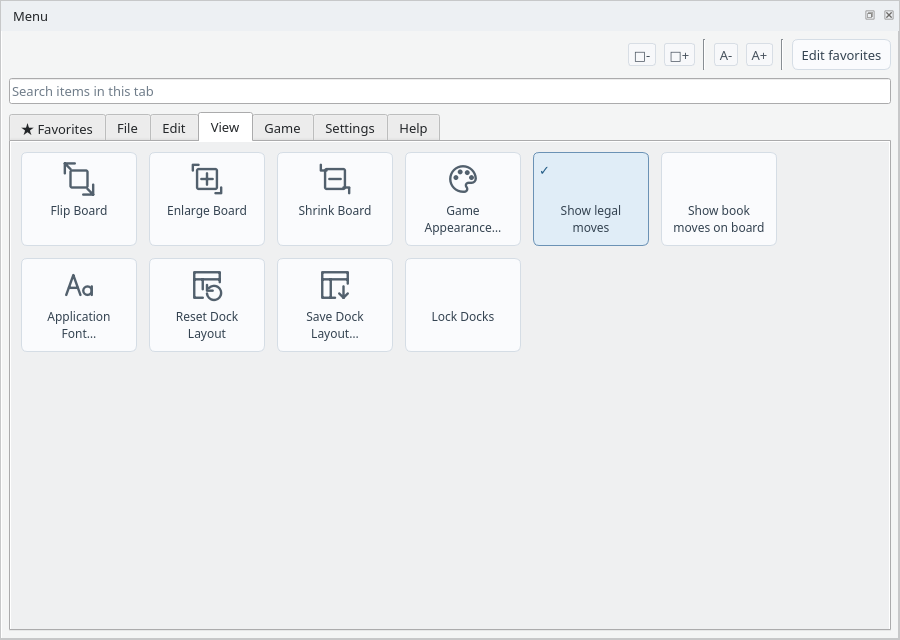
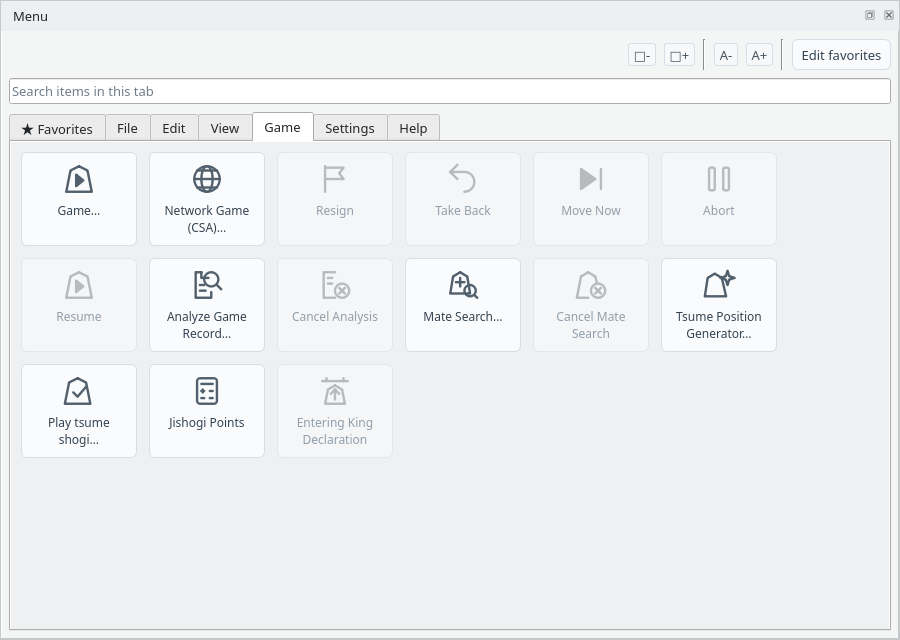
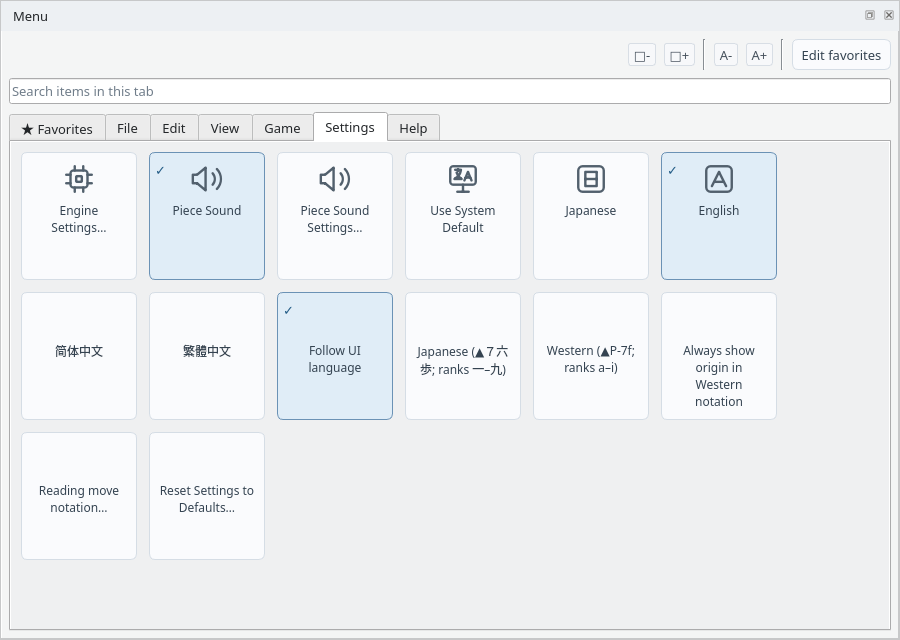
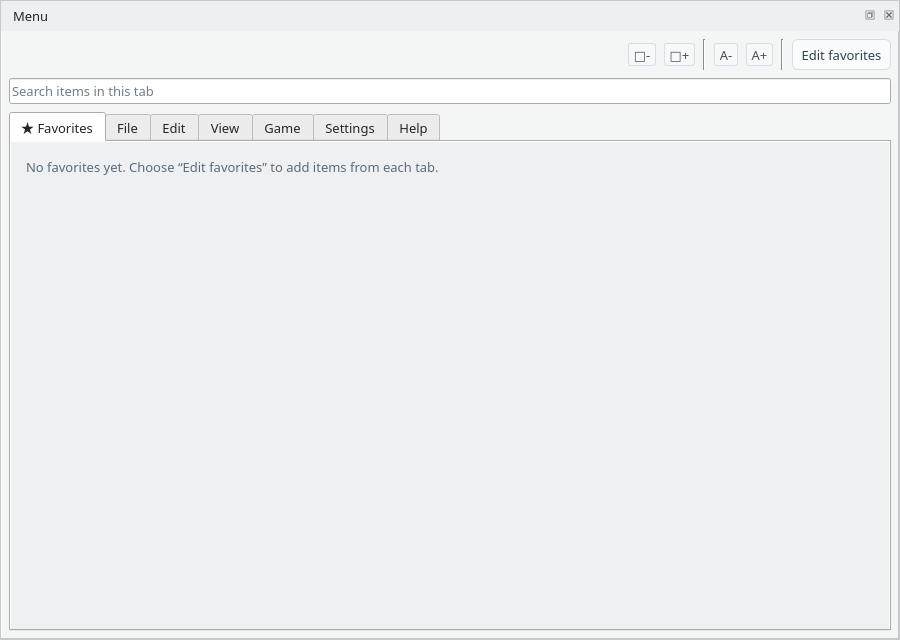
Choose View → Menu in the menu bar to show the menu dock. Menu bar commands are arranged as icon buttons, giving you quick access to frequently used features. The dock first appears as a tab next to the Game Record dock.
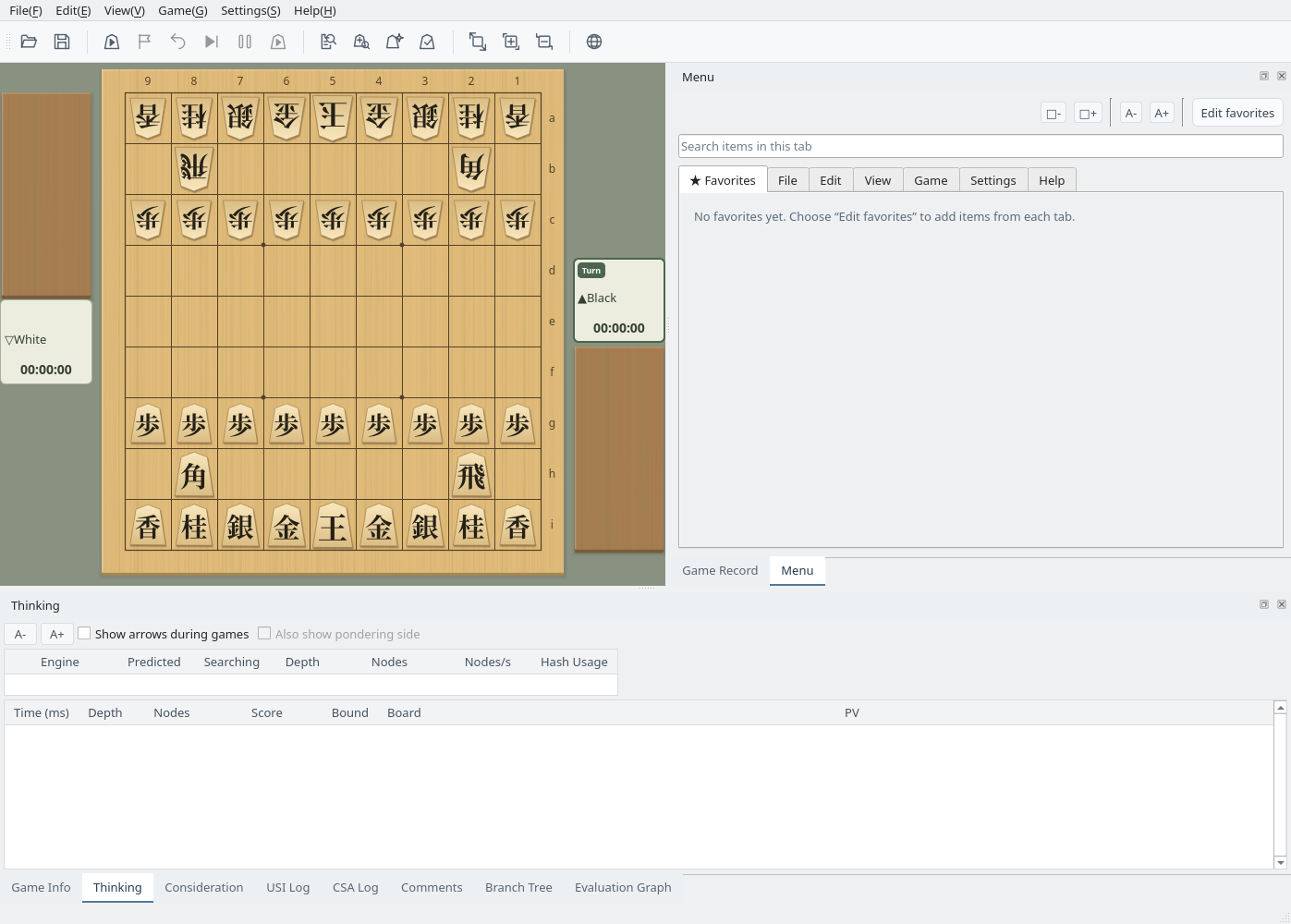
Main window: the menu dock shown with View → Menu, next to the Game Record dock
2
Detach the Dock
Drag the menu dock's title bar, or click the float button at the right of the title bar, to use it as a separate window. Place it wherever suits your work. Drag it back to an edge of the main window to dock it again. See Docks for arranging and saving docks.