Linux
Runs natively on Linux
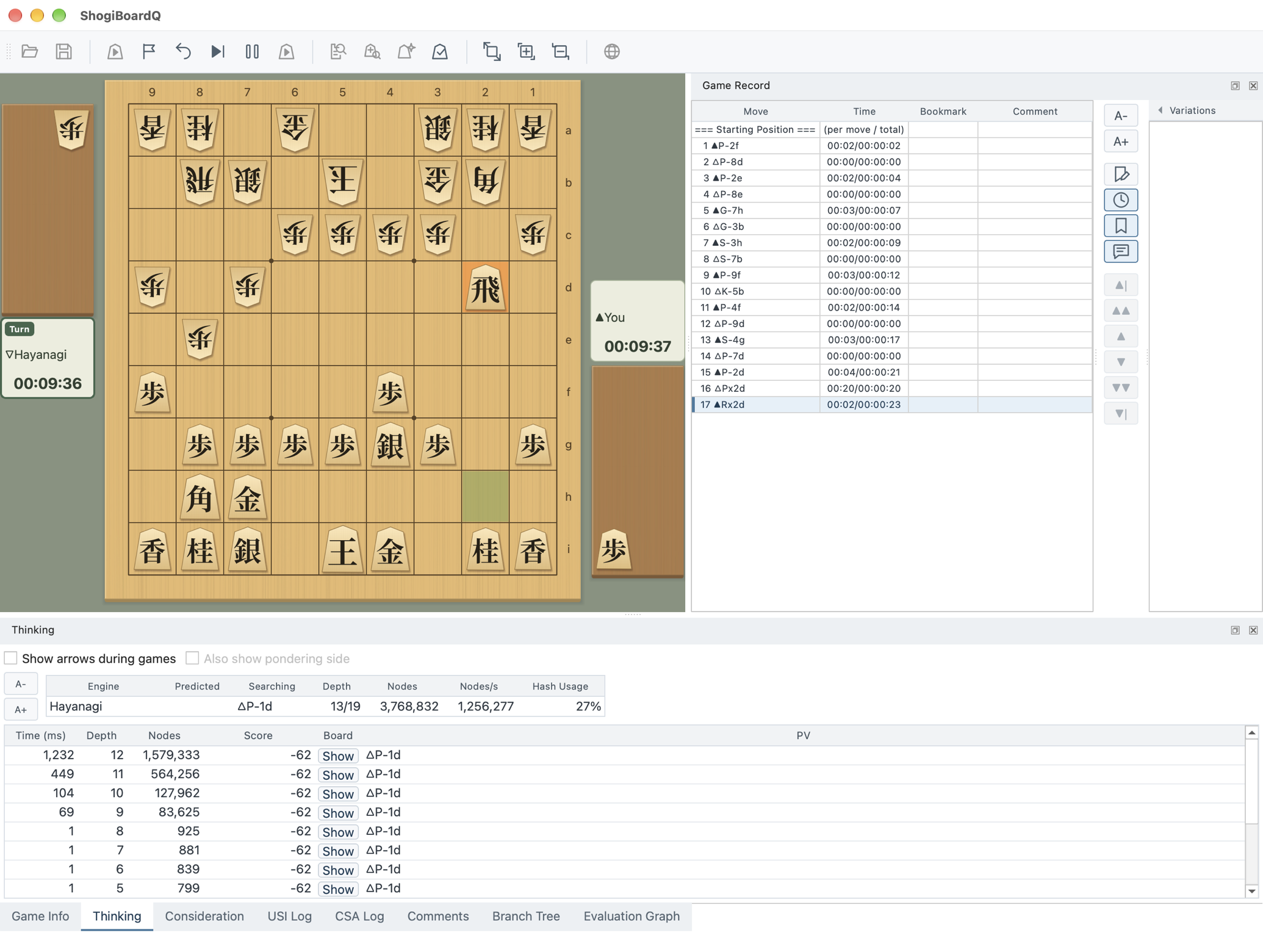
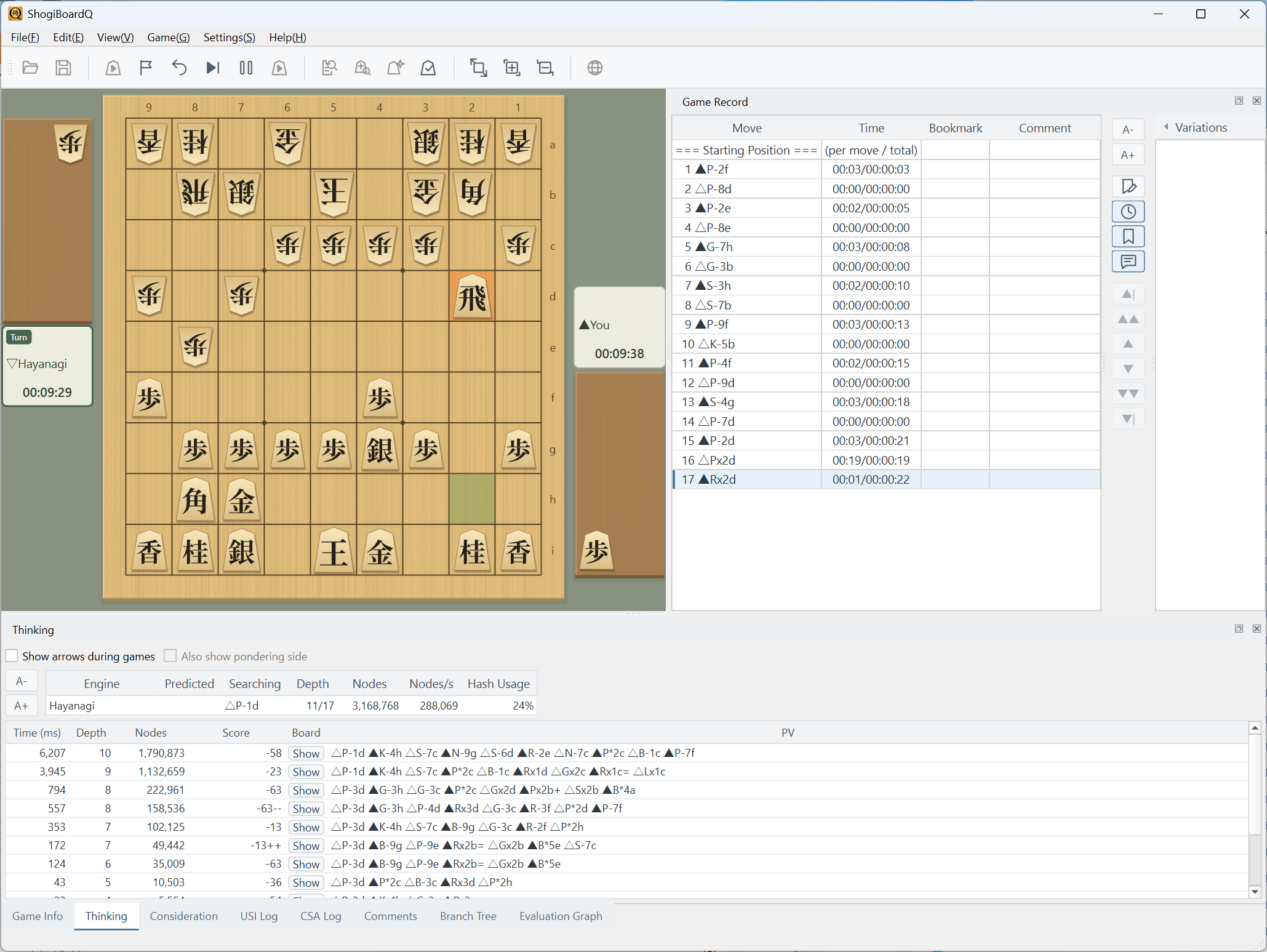
ShogiBoardQ running on Linux. It works on major desktop environments such as KDE Plasma and GNOME. The screenshot shows a game against the Hayanagi engine on KDE Plasma.
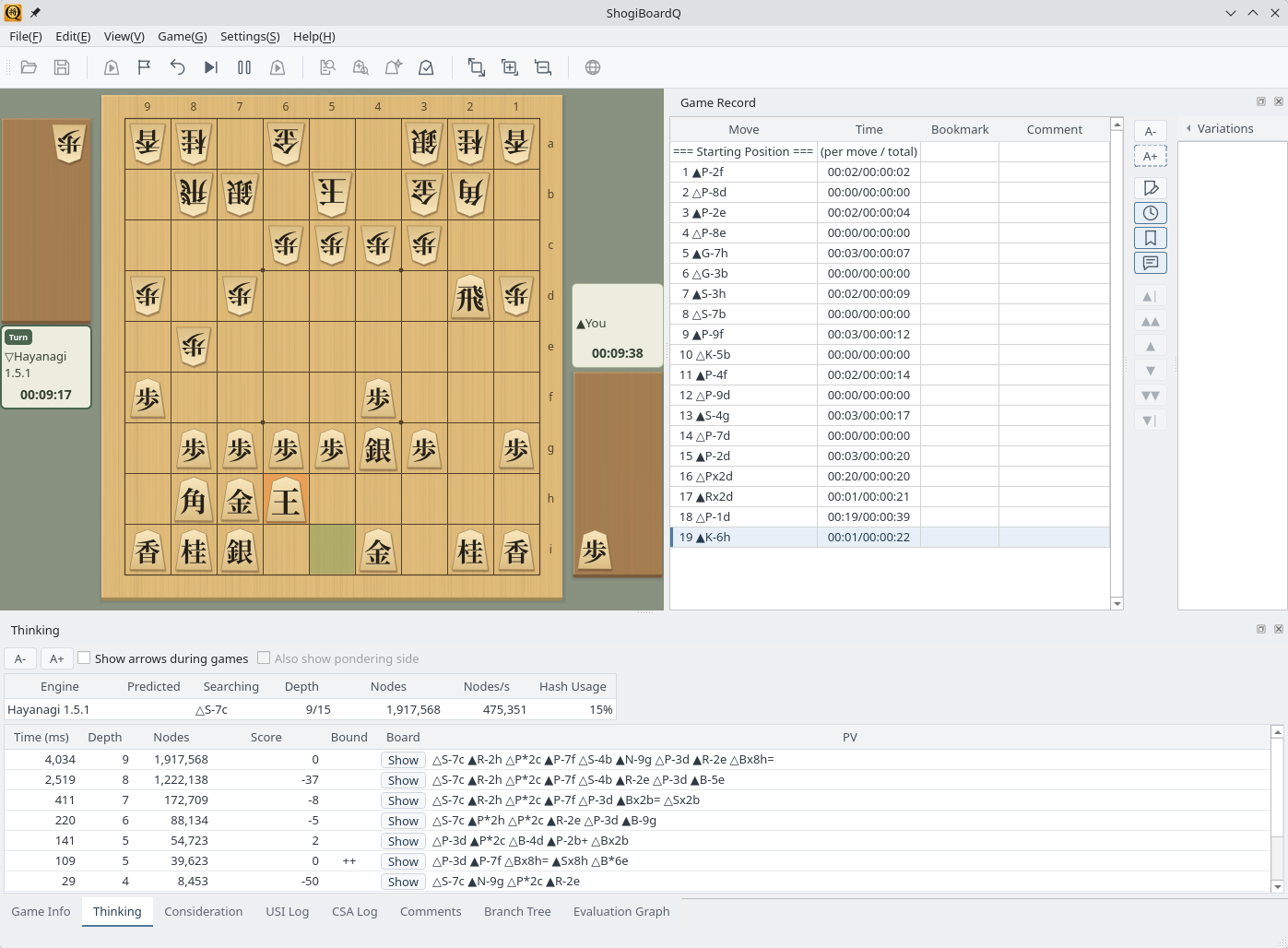
Linux: a game on KDE Plasma while Hayanagi is thinking (English interface)
ShogiBoardQ-linux.zip on GitHub Releases contains the AppImage, the tsume shogi collections (3- to 13-move mates, 6,000 problems in total), and the Hayanagi engine. After you extract the ZIP, the collections and Hayanagi are ready to select. The package is for x86_64 Linux.
On Arch Linux, running makepkg -si in packaging/arch of the repository builds and installs a pacman package with the system Qt 6. The collections and Hayanagi are installed with it (see packaging/arch/README.md).
To build from source or create the package, see Linux Build and Release.